Download the Medina app.
Request holidays and check your hours balance from your phone.
iPhone instructions
- Get your redemption code: we will send it to the email address you give us.
- Follow the video instructions to install the app using the link you received by email (open it on your phone).
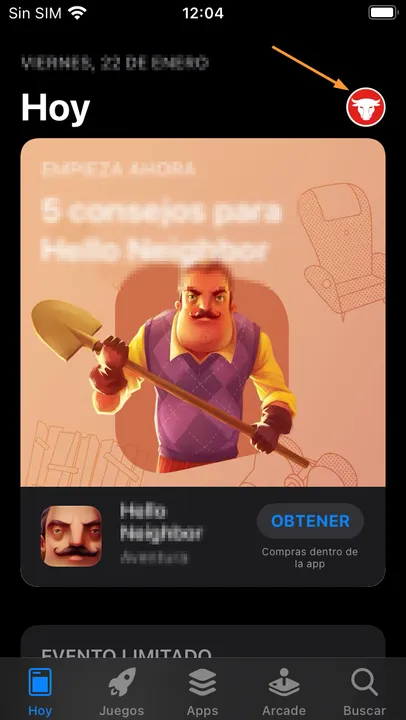
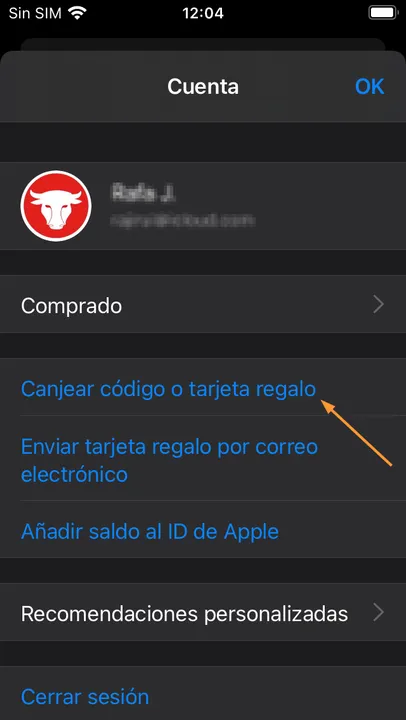
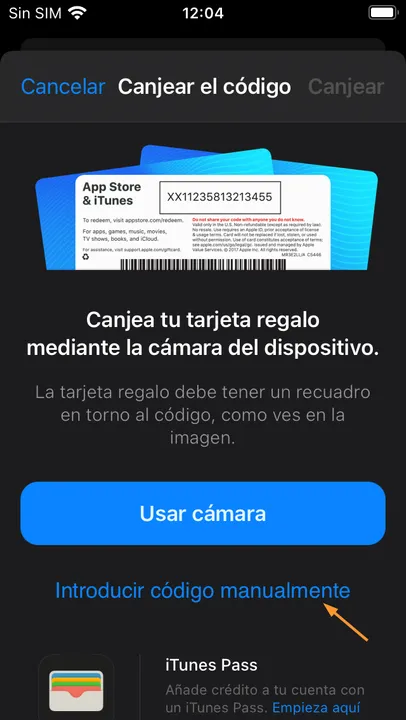
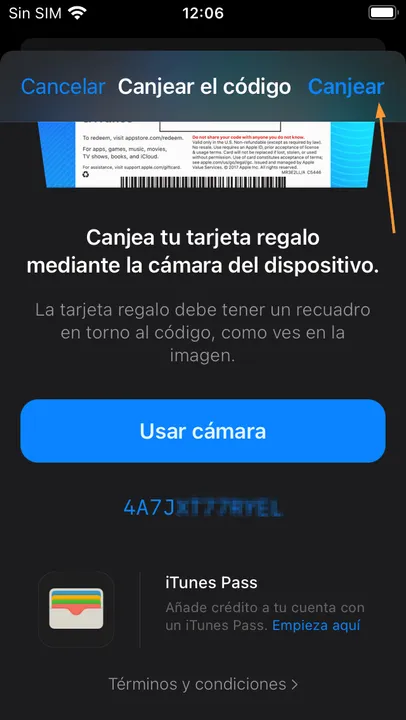
- If the link does not work, redeem the code manually: open the App Store, tap your account and choose “Redeem Gift Card or Code”.
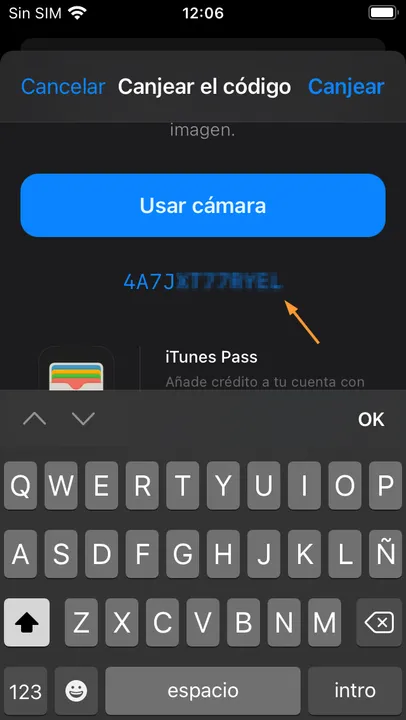
- Tap “Enter code manually”, type the code and tap “Redeem”.
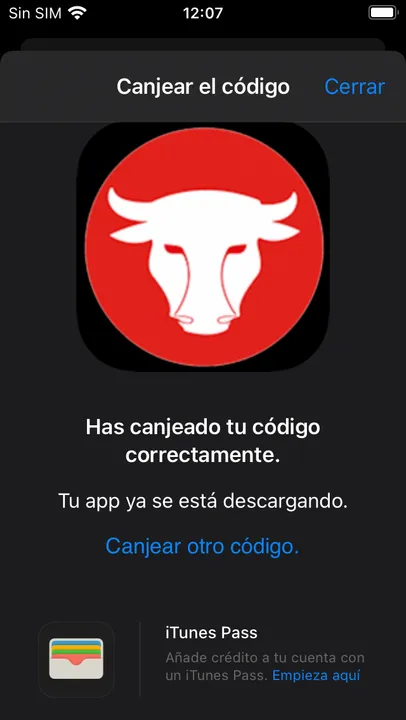
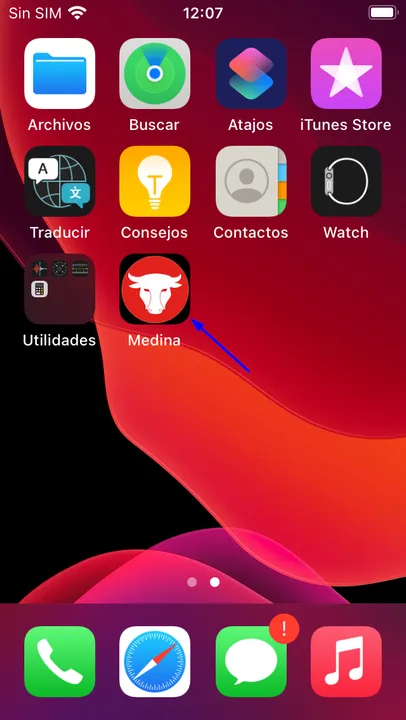
- Once the code is verified as valid and unused, the app is installed on your device.
- Open the app and sign in with your employee number and the PIN you use to request holidays and hours.